Web development

TUTRAIN: an EdTech platform that puts learning and opportunities in one place

A modern web platform designed to simplify learning, guidance, and opportunity discovery through a structured, user-friendly digital experience.

Client
TUTRAIN
Built with
  • React.js
  • React Native
  • Node.js
  • MongoDB
TUTRAIN: an EdTech platform that puts learning and opportunities in one place

Quick summary

Client:
TUTRAIN, an EdTech platform
Problem:
learning content and opportunities were spread across several platforms
What we built:
one platform with structured content and opportunity listings, simple navigation and a responsive design
Stack:
React.js for the web app, React Native for the mobile app, Node.js, MongoDB
Phases:
research and planning, UI/UX design, development, testing and optimization

What TUTRAIN does 

TUTRAIN was envisioned as a centralized digital platform to address the fragmented nature of learning and opportunity discovery.

Our goal was to build a seamless, intuitive web application that brings clarity, structure, and accessibility into a single ecosystem enabling users to explore, learn, and progress without confusion. 

Key features

• Centralized Learning Platform – Access structured content and opportunities in one place 
• Intuitive Navigation – Seamless user journey with clear action paths 
• Responsive Design – Optimized experience across all devices 
• Scalable Architecture – Built to handle future growth and expansion 
• Fast Performance – Pages built to load quickly on phones and desktops 
• User-Centric Interface – Designed for clarity and ease of use 

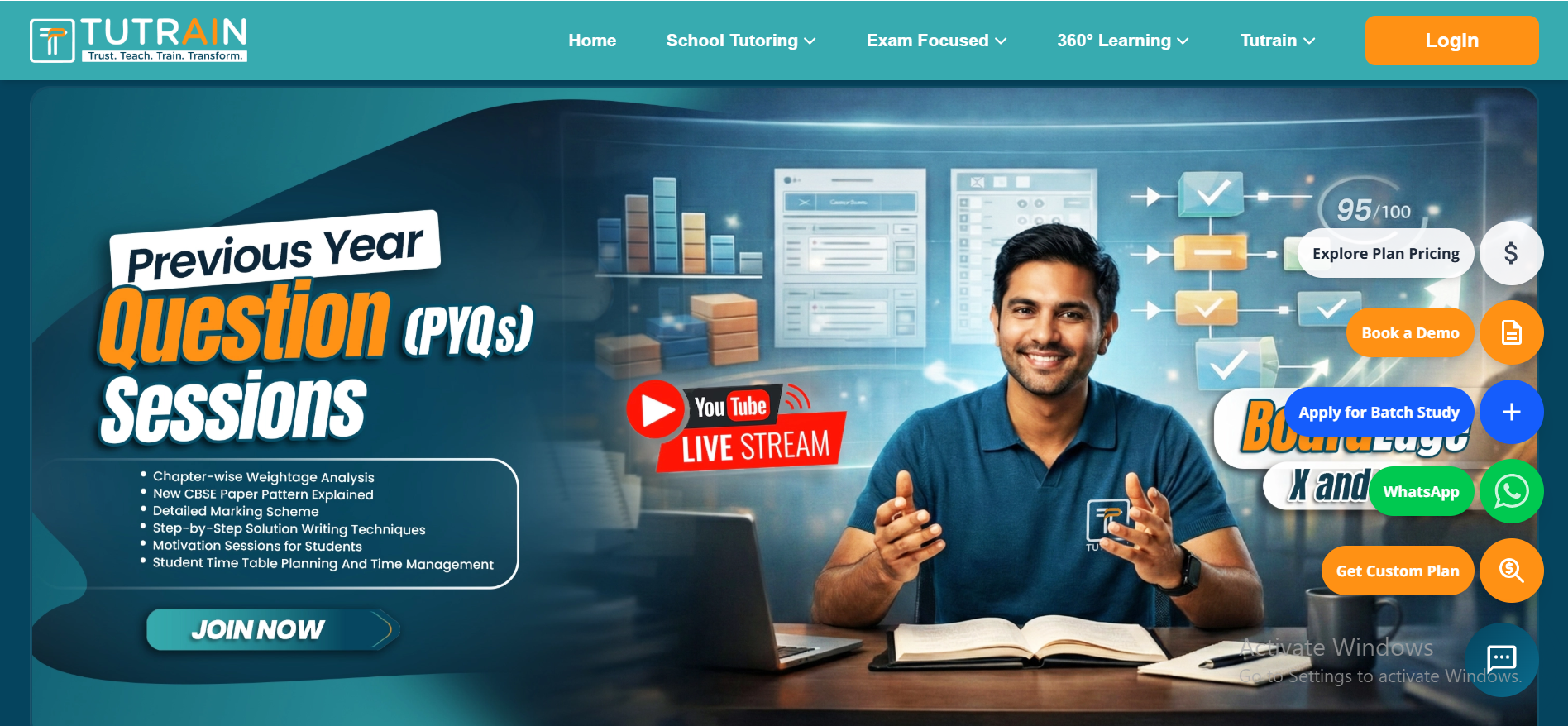
Project Dashboard

TUTRAIN: an EdTech platform that puts learning and opportunities in one place – picture 1

Project Objective

• To simplify access to learning and opportunity discovery
• To eliminate fragmented user journeys across multiple platforms
• To build a scalable and structured digital ecosystem
• To enhance user experience through clarity and intuitive design


Our Approach

User-Centric Design Thinking: 
Focused on reducing complexity and creating a clean, guided user experience. 

Structured Development: 
Built a well-organized system architecture ensuring scalability and performance. 

Performance Optimization: 
Ensured fast load times and smooth navigation for better engagement. 

Clarity-First UX: 
Designed each interface to make user actions intuitive and effortless. 


Project Timeline

Research & Planning: 
Analyzed user behavior, platform gaps, and structured the roadmap. 

UI/UX Design: 
Created intuitive wireframes and user-friendly interfaces. 

Development Phase: 
Built a scalable and responsive web application with optimized performance. 

Testing & Optimization: 
Performed rigorous testing to ensure seamless functionality across devices. 


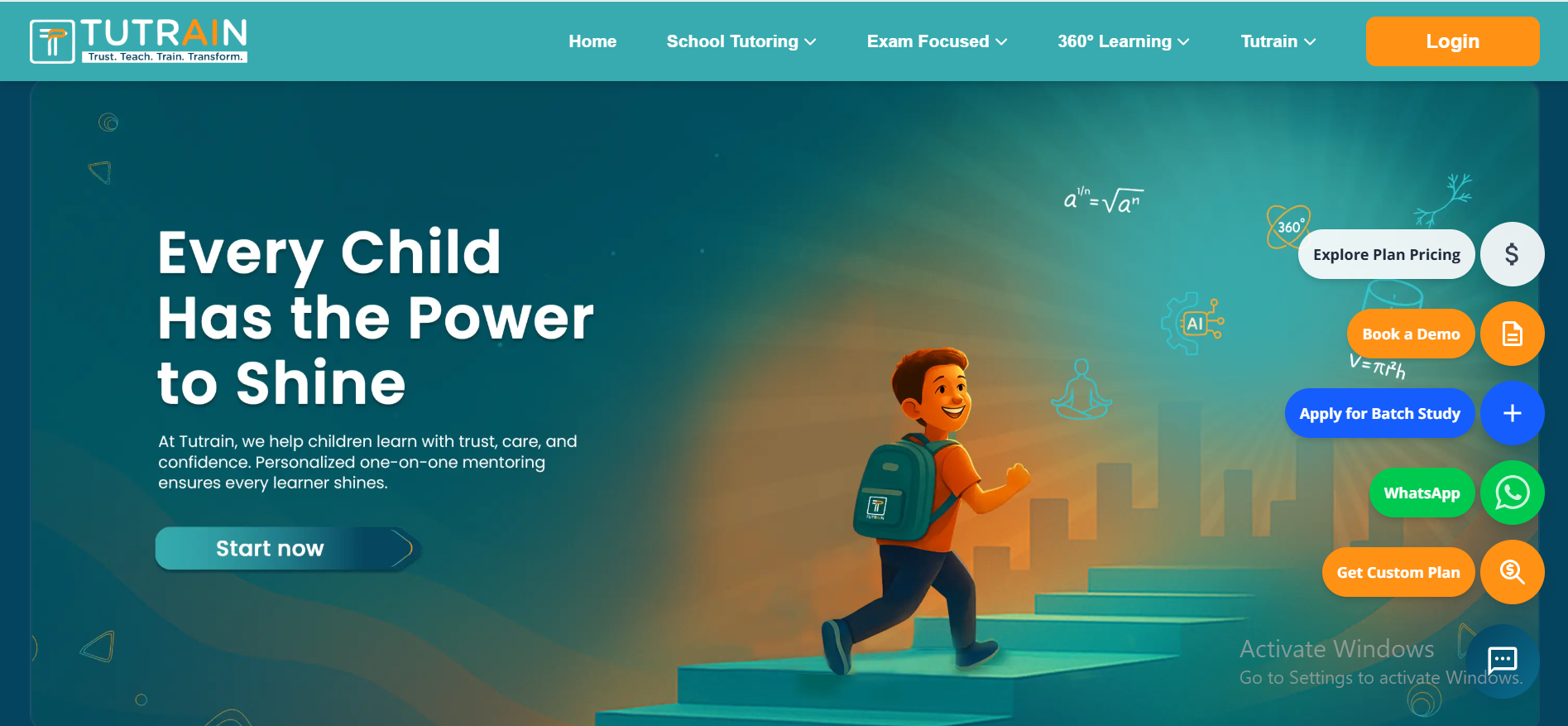
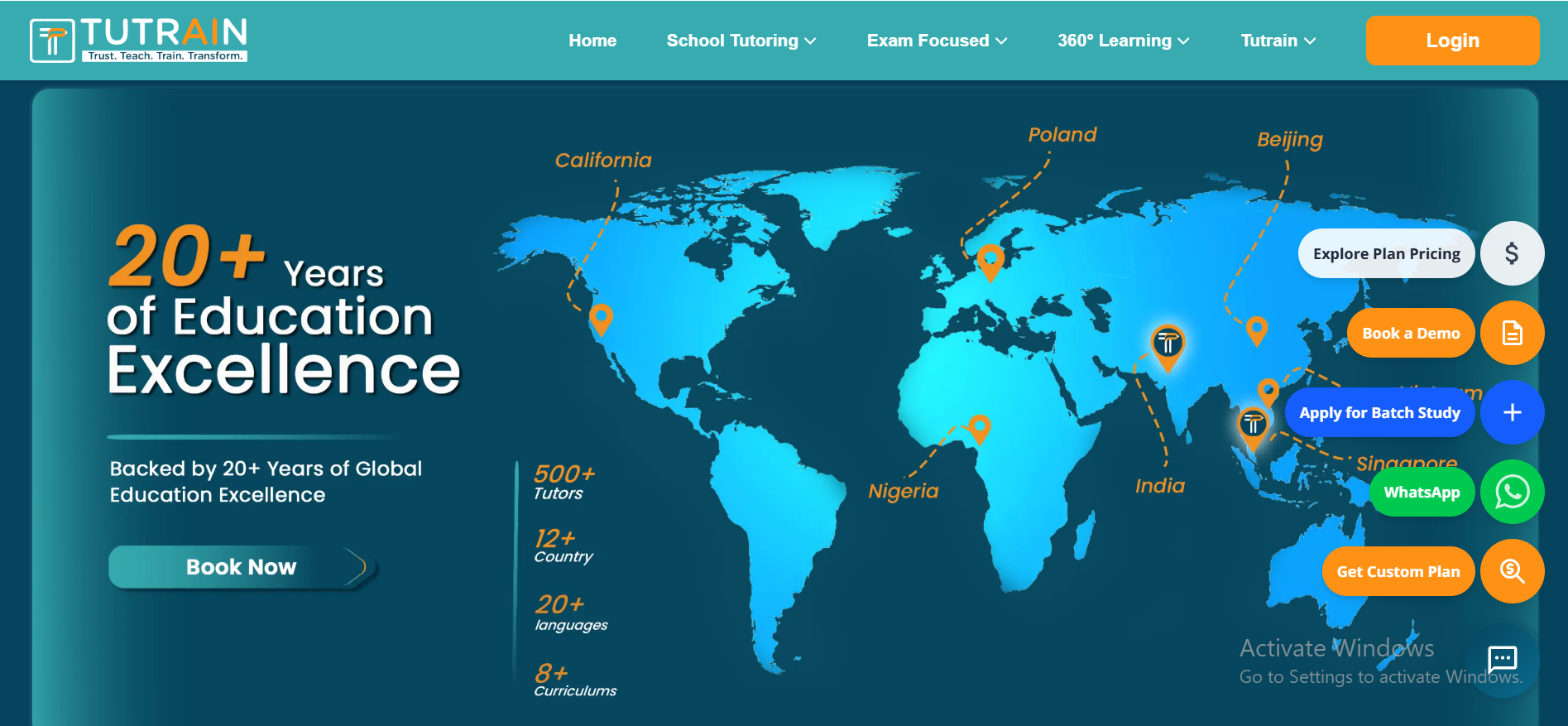
Platform screens


TUTRAIN: an EdTech platform that puts learning and opportunities in one place – picture 2


TUTRAIN: an EdTech platform that puts learning and opportunities in one place – picture 3


TUTRAIN: an EdTech platform that puts learning and opportunities in one place – picture 4


TUTRAIN: an EdTech platform that puts learning and opportunities in one place – picture 5


Results 

TUTRAIN gives learners one guided place for content and opportunities they used to find across several platforms. 

What was once a fragmented and overwhelming experience is now clear, guided, and intuitive. Users can seamlessly explore, navigate, and take action without confusion or unnecessary complexity. 
Questions about this project

What is TUTRAIN?

TUTRAIN is an EdTech platform that Prilient built for a client. It brings structured learning content and opportunities, which learners used to find across several platforms, into one place.

What does the TUTRAIN platform include?

A central place for structured learning content and opportunities, simple navigation, a responsive design that works on phones, tablets and desktops, and an architecture built to grow with more users and content.

How was TUTRAIN built?

In four phases: research and planning, UI and UX design, development, then testing and performance tuning. Design started from how learners look for content, so the structure stays clear as the platform grows.

Which technologies did you use to build TUTRAIN?

React.js for the web app and React Native for the mobile app, with Node.js for the back end and MongoDB for the database.

Can you add AI to an EdTech platform?

Yes. Common additions are an AI study assistant that answers from your own course material and shows its sources, a WhatsApp AI chatbot for enrollment questions and class reminders, and analytics that flag learners who may drop off. Teachers stay in charge of what is taught.

Do you build EdTech platforms for companies outside India?

Yes. Prilient Technologies builds software for businesses worldwide from its engineering team in Jaipur, India, and has delivered 500+ projects for 50+ clients since 2019. See our generative AI development services.

Building something similar?

Most EdTech platforms we scope today plan for AI from the start: an AI study assistant that answers from your own course material and shows its sources, a WhatsApp AI chatbot for enrollment questions and class reminders, and AI analytics that flag learners who may drop off. Teachers stay in charge of what is taught. If you only need the platform itself, see custom software development.

More case studies

Rabbitt: a job portal for recruiters and job seekers, built in 29 days
Web development

Rabbitt: a job portal for recruiters and job seekers, built in 29 days

A website blended with modern tools and technology made to bridge the gap between a recruiter and a job seeker.

  • React.js
  • Node.js
  • MongoDB
  • Razorpay
Read case study
DataSwitch: an AI document extraction platform we built for a client
Document AI · Client project

DataSwitch: an AI document extraction platform we built for a client

An AI-based document automation platform to eliminate manual data entry, reduce errors, and enable organizations to extract meaningful insights…

  • FastAPI (Python)
  • VLLM
  • PostgreSQL
  • React 19
Read case study
UrbanCab: The Cab Booking Services Application
Mobile app

UrbanCab: The Cab Booking Services Application

“Implemented exactly as envisioned”, per the UrbanCab partner.

  • React Native
  • Node.js
  • MongoDB
Read case study

See all case studies

Have a project like this in mind?

Tell us what you want to build. We'll show you similar work and how we'd approach yours.

NDA on request